


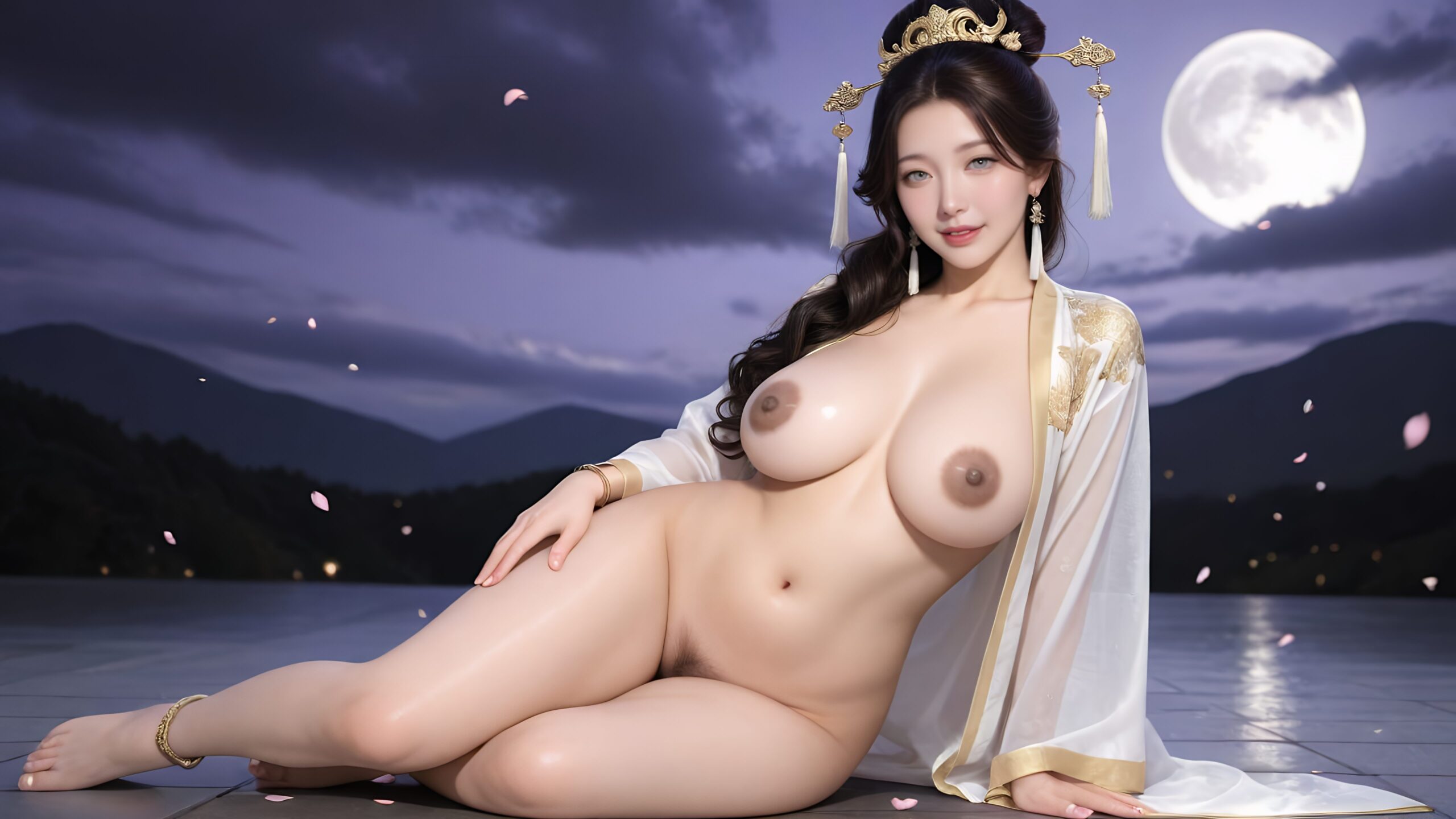

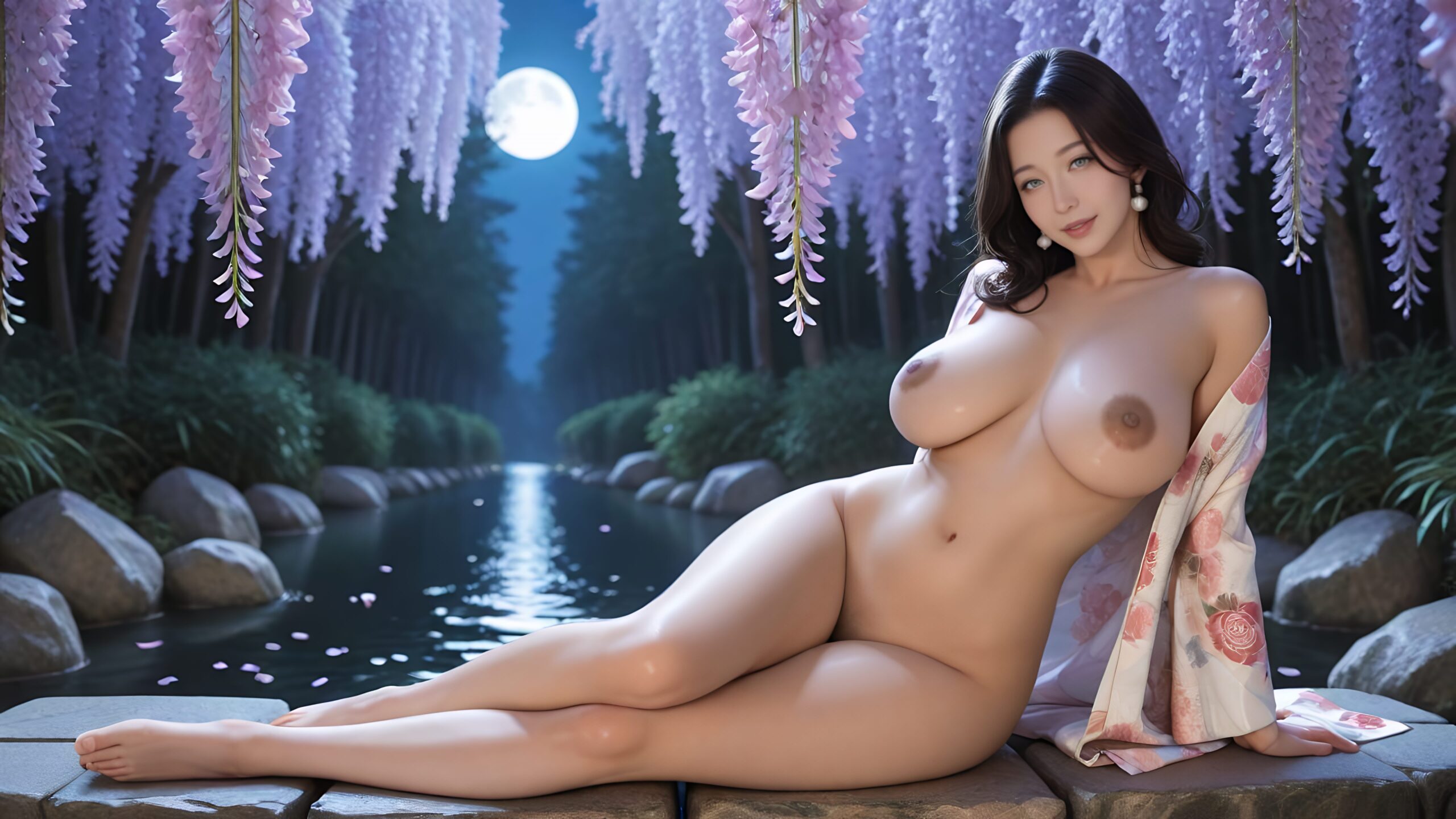
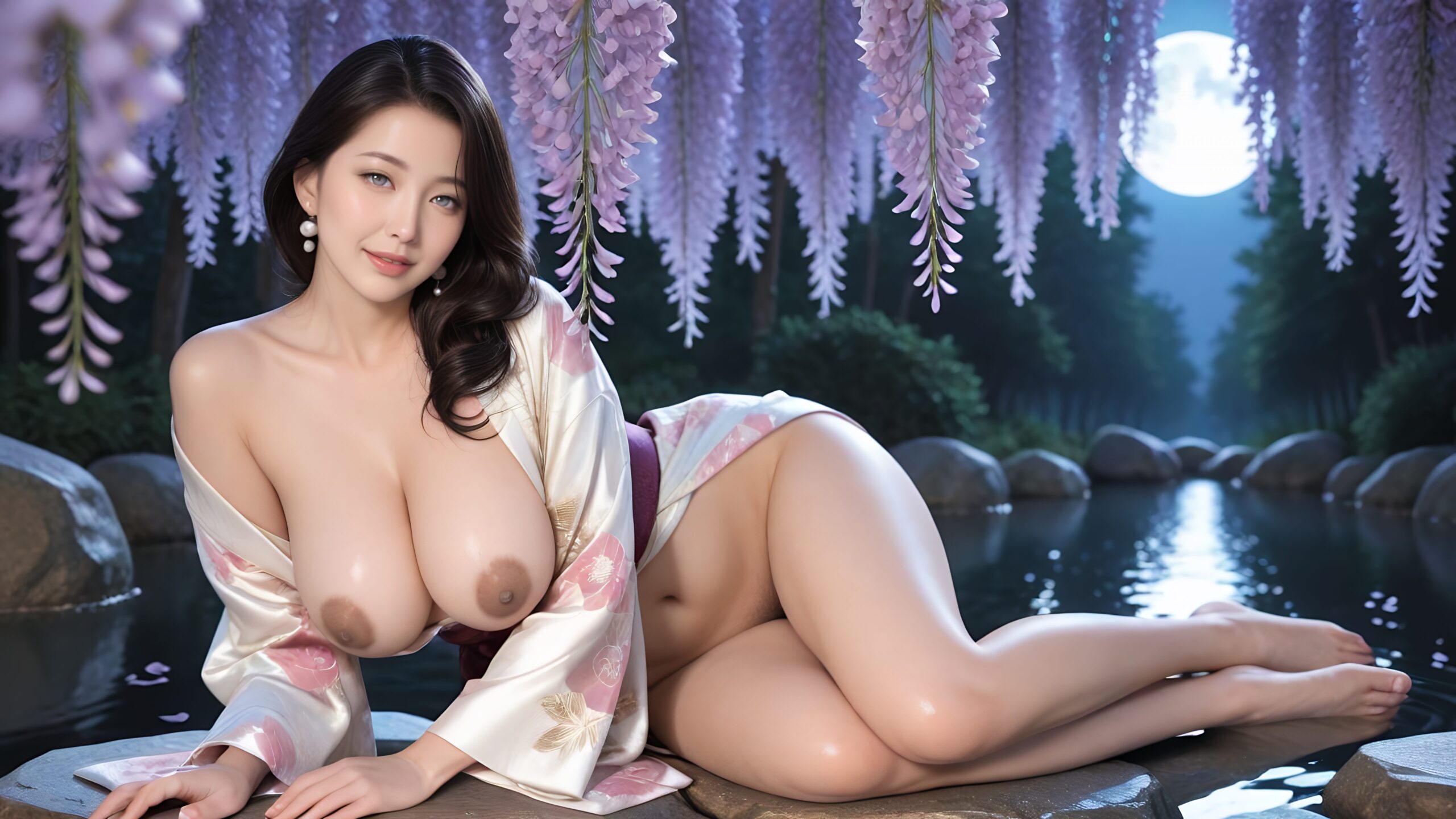
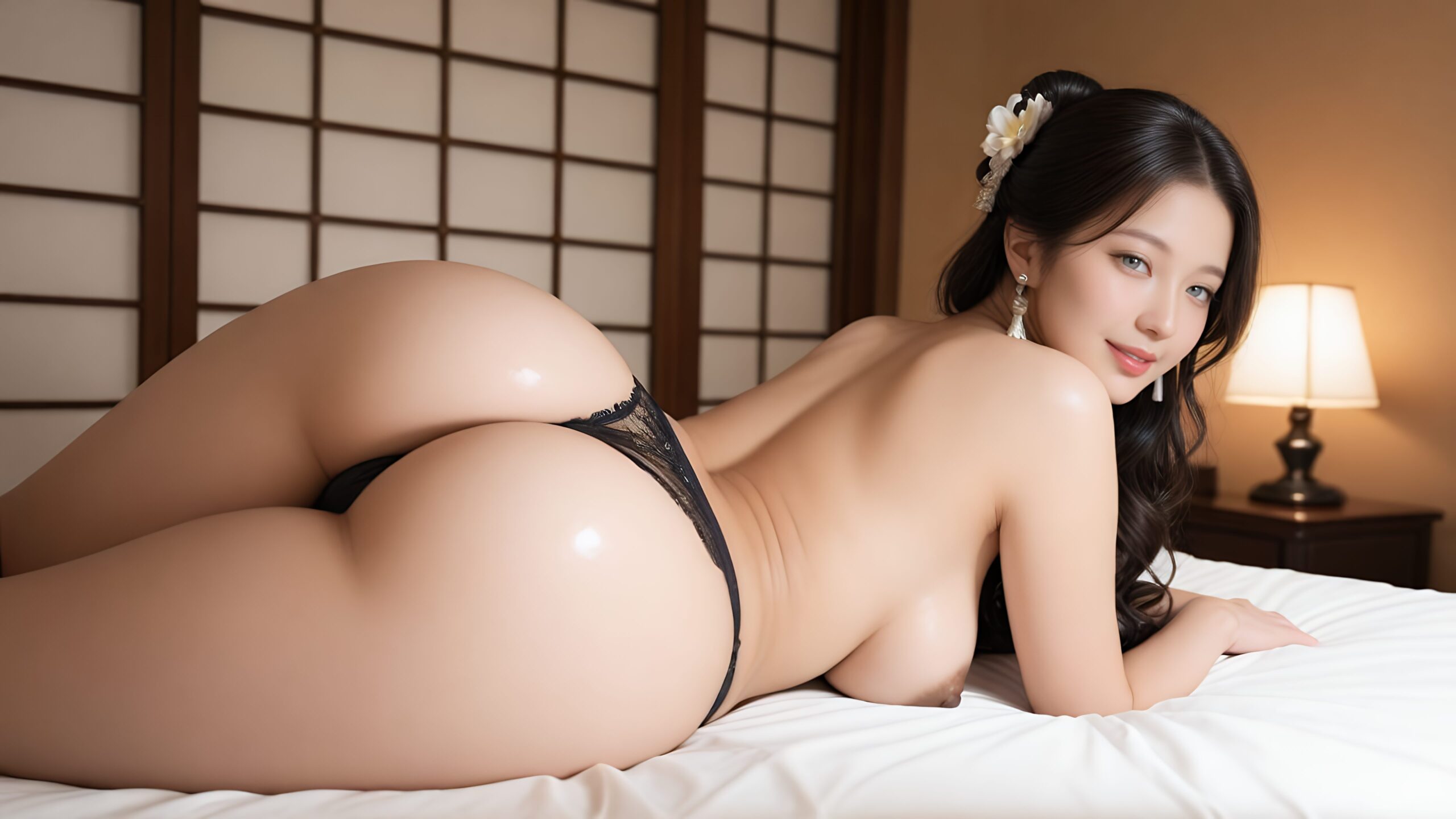
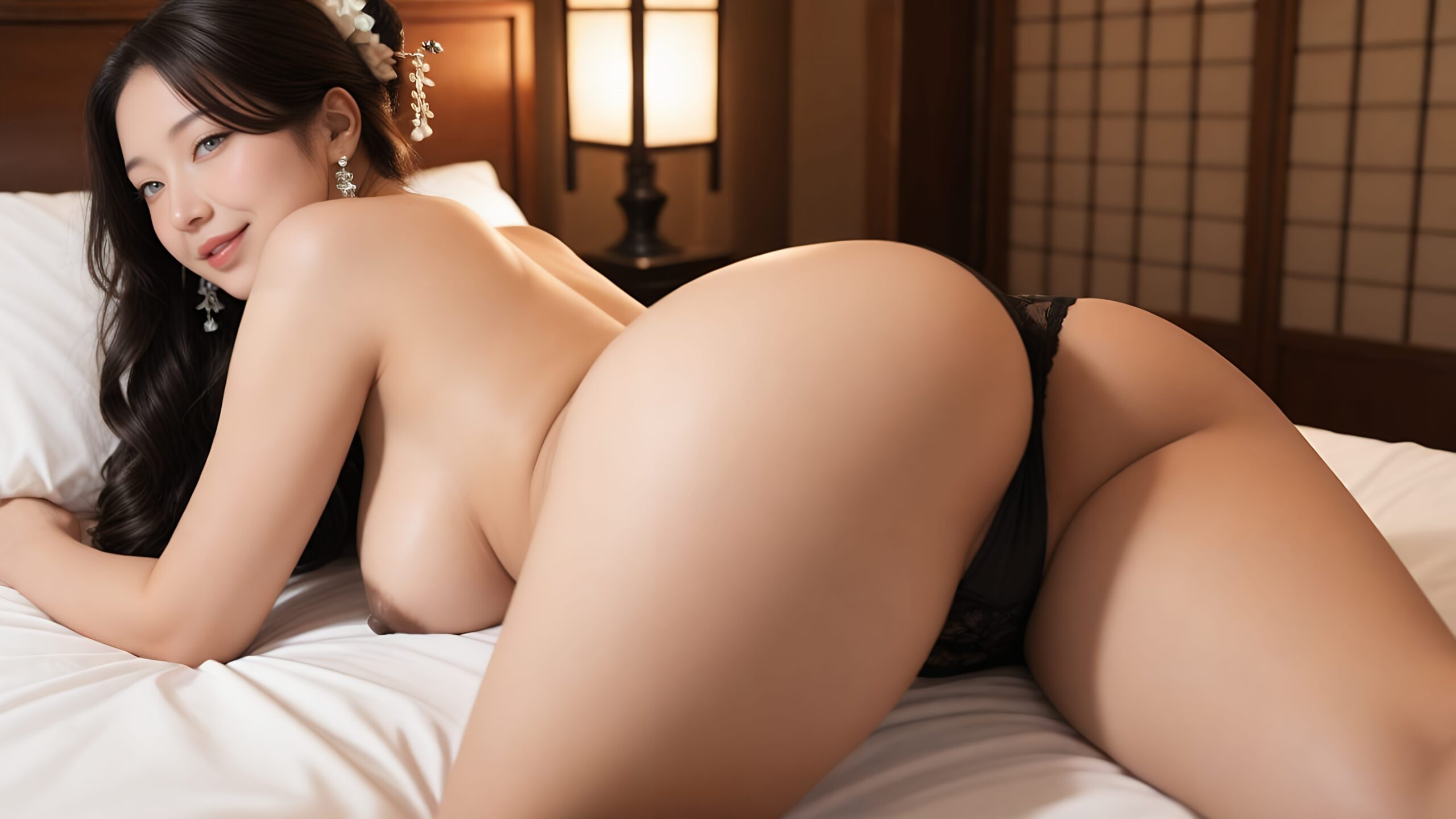
【画像を保存する方法 / How to Save】
① 画像を右クリック →「名前を付けて画像を保存」
Right-click the image → “Save image as”
② 保存先を選んで「保存」をクリック
Choose a location and click “Save”
【壁紙の設定方法 / How to Set as Wallpaper】
🖥️ Windows の場合 / For Windows
① 保存した画像を右クリック →「デスクトップの背景として設定」
Right-click the saved image → “Set as desktop background”
② または:デスクトップを右クリック →「個人用設定」→「背景」から選択
Or: Right-click desktop → “Personalize” → “Background”
🍎 Mac の場合 / For Mac
① システム設定 →「壁紙」を開く
System Settings → “Wallpaper”
② 「写真を追加…」から保存した画像を選択
Click “Add Photo…” and select the saved image
💡画質について / About Image Quality
壁紙は超高解像度(5120×2880px)で作成しています。大きなモニターでも美しく表示されます💖
These wallpapers are created in ultra-high resolution (5120×2880px) — stunning even on large monitors 💖
🔕ご注意 / Please Note
※個別の操作サポートは行っておりませんので、ご了承くださいませ🙇♀️
We are unable to provide individual technical support. Thank you for your understanding.
※ 画像の無断転載・再配布はご遠慮ください。 / Please do not repost or redistribute.